We’ve been using Twitter since 2008 for business and personal and it’s been a very successful channel for us, but only because we really work it. And we monitor our Twitter analytics with our own Dasheroo dashboard, shocker! Twitter engagement is the metric you need to focus on. And with 284 million monthly active users and 500 million Tweets per day, you need to tap into it and cultivate! So here are 9 quick daily to-dos to pump you up!
- Follow your followers – Every day check out your New Followers. View their bio to ensure they’re someone you want to follow and follow them back. Hootsuite is a great tool for checking on your new followers and easily view who they are and what they’re saying.
- Thank your followers – Every day Tweet “Thanks for following” with the handles of a few of your new followers (Don’t Direct Message them.) Your followers love to get in front of more people and you doing this simple act of kindness gets them there, DMing them does not. They’re likely to retweet your thanks so you get in front of their followers.

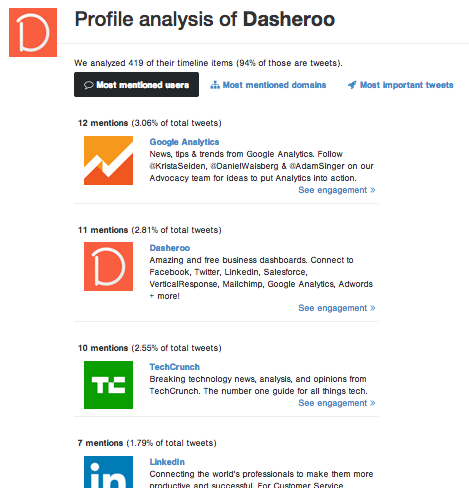
GetDasheroo is going nuts thanking new followers!
- Follow influencers in your industry – Go to BuzzSumo and search on the keyword for your industry. For instance we did a search on “social media marketing” and followed the top people who write about social media marketing.
- Make a Twitter list of who is Tweeting about your industry – Every day go to that list and see what they’re Tweeting about and RT any interesting news they may have. Your hope? They follow you and Tweet about you too.
- Your description defines you – With all of the Twitter add-on tools many of them pull in your description of who you are so make sure it’s exactly what you’d want someone to know about you in the few characters they allow.

Kipp is great, uses links, says what he does and for who. We’re following!
- Twitter recommends who to follow – Go there a few times a week and follow some interesting people Twitter is recommending.

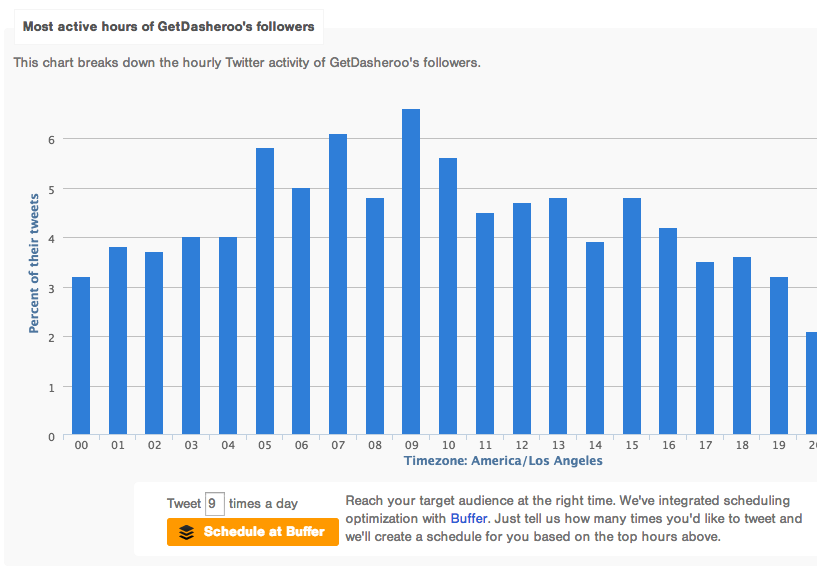
- Tweet when your followers care – Go to Followerwonk to find out when your followers are active on Twitter. Then use the fantastic Buffer integration that tells Buffer when to publish your Tweets. Oh, and use Buffer to publish your Tweets ?
- Use photos where you can – According to Twitter, Photos average a 35% boost in Retweets so if you can use a photo, get one in there.
- Respond fast! – People are used to getting a quick answer in a short amount of characters so make sure you’re monitoring and reacting to anyone who is talking about you.
I’m on #5 today what about you?
P.S. Do you have a Twitter analytics dashboard? It’s free at Dasheroo!
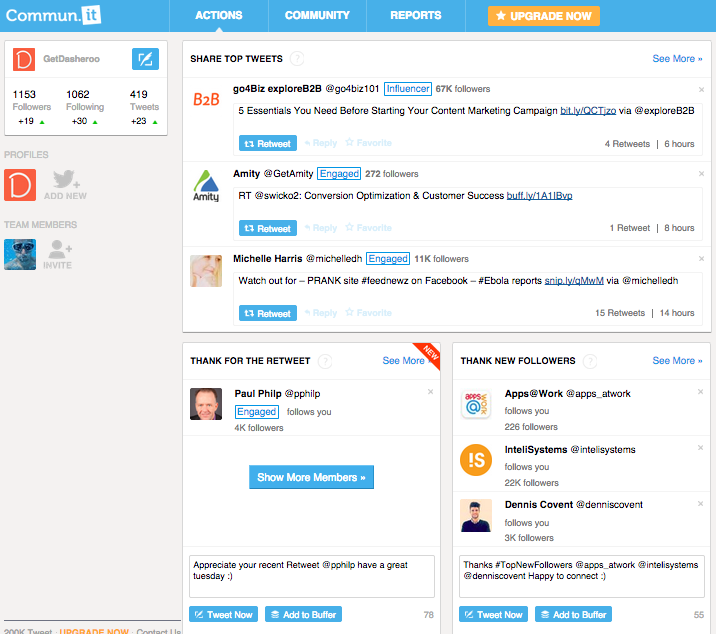 We love this tool. We go to it first in the morning to see what our to-do Twitter list is.
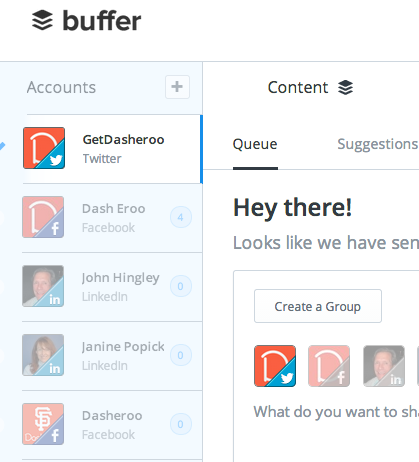 This app loads up Tweets for the day or for a few days out. You should download the Chrome extension so that when you’re on any site and you want to retweeet or post to Facebook you can load it into Buffer and you’ll have some time between posts to do so. We’ve