
OK, fine. Go ahead and file this post under the ‘NOT breaking news’ category. We won’t be offended! But sometimes taking a look back is a good thing. So today, we talk Google Tag Manager, maybe better known as GTM. GTM was released in October 2012; we’ve used GTM for the past year or so, and we love it!
So, what is Google Tag Manager?
Google Tag Manager is a free tool that makes it easy for marketers to add and update website tags — including conversion tracking, site analytics, remarketing, and more—with just a few clicks, and without needing to edit your website code!
Google released this cool tool a couple years ago. Maybe more. But lots of people still don’t really know what it is, or why to use it. Think of GTM as a handy container for all those messy tracking pixels and tags, all in one tidy place. That’s about all you, as a marketer, really need to know. Once added, it really unleashes tons of possibilities in tracking user and behavior-based activity on virtually anything that interacts with your website.
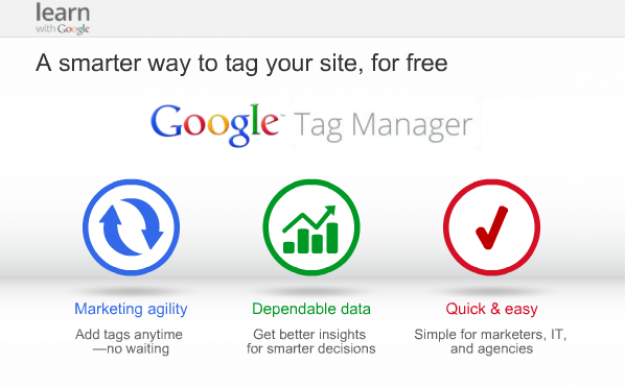
We like Google Tag Manager!
So, if it’s not obvious, here’s some top reasons why you should use GTM:
- It’s (pretty) easy for you to set up!
- Once set up, it really is easy to add new tags
- What this all means is, you don’t need to bug your webmaster to add new tracking tags and codes for you, you can do it yourself, and,
- When all of your tags are in GTM, your site will load and respond much more efficiently!
- It’s free. And just like the free version of Google Analytics, it’s a tight product. Not a ‘get what you pay for’ scenario.
In upcoming posts, we’ll walk you through step-by-step how to implement GTM on your site, and some additional uses of Google-supplied tags including GTM codes and Event tags!