
We’ve talked about the Marketing Maven dashboard and the Socialite dashboard template but have you heard about the Google Gone Wild dashboard template? It’s awesome and gives you one place to go to, to give you the perfect Google dashboard for Google Analytics, Google Adwords and Google Sheets all in one place. Enough Google?
First go to Add Insight in the top navigation bar of your Dasheroo account.
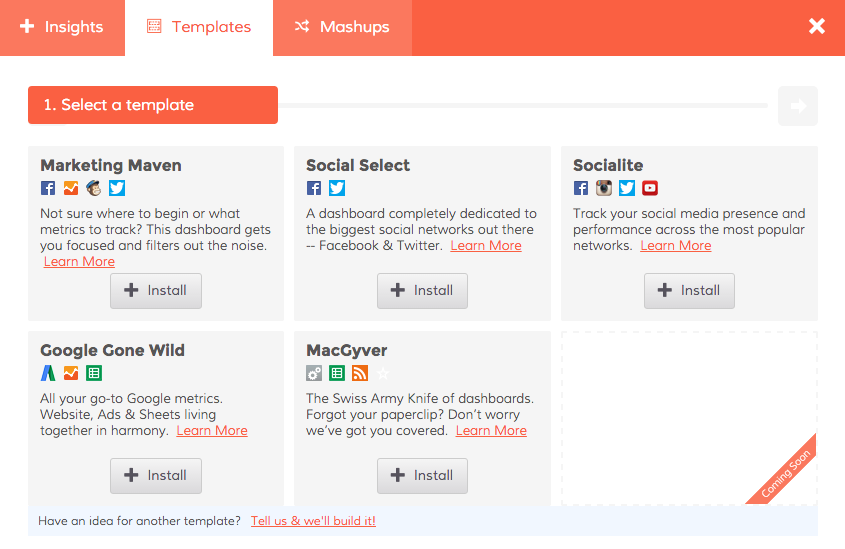
Click on Templates and choose Google Gone Wild.
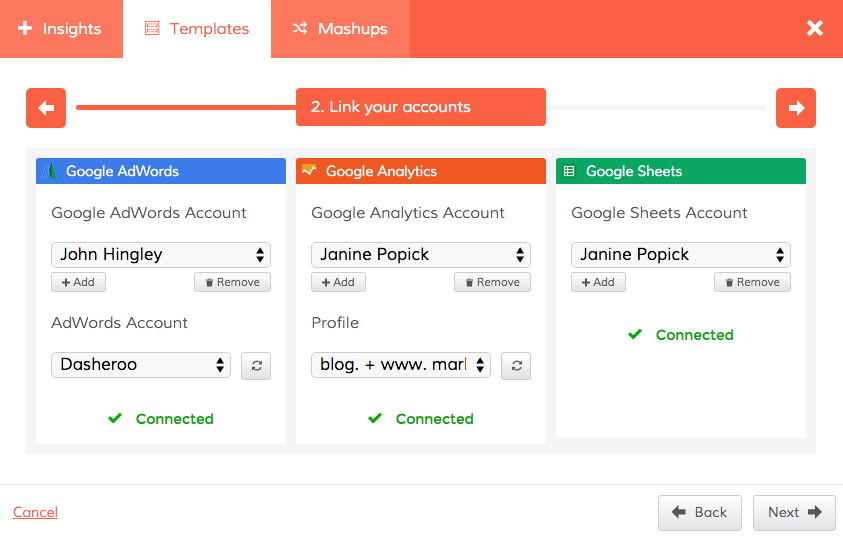
Connect your accounts for Google Adwords, Google Analytics and Google Sheets.
And you’ve got yourself one great Google dashboard in just a few minutes.
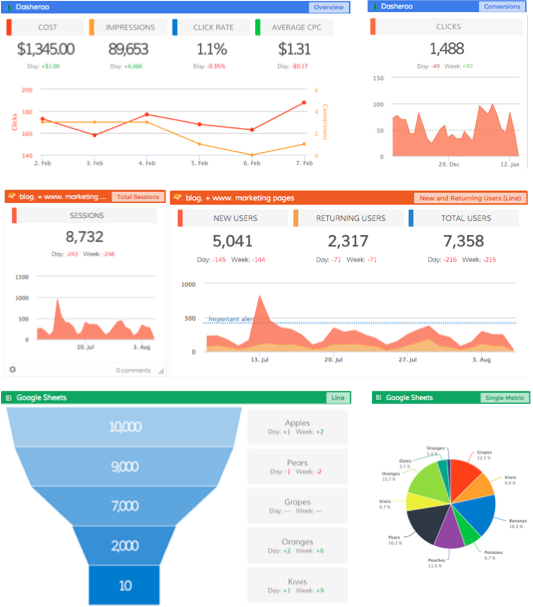
Of course you can customize it to your liking by adding other applications or Google Insights that we didn’t include in the template but we think it’s a pretty cool way to look at as much Google as possible. One more thing, you can expect more Google products and insights in this dashboard coming soon!
Is there too much Google, really?