
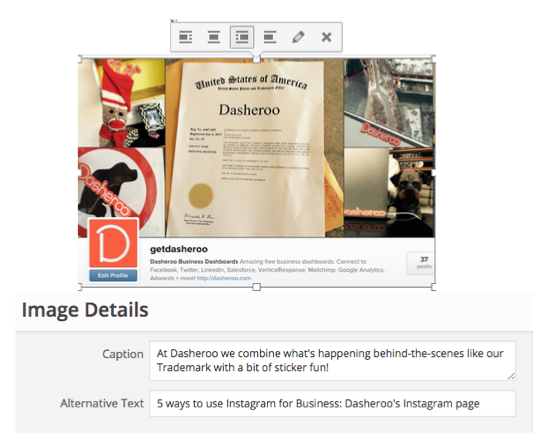
WordPress has a spot for you to include alt-tex when you add an image to a web page…use it!
Ok, we’ll admit it, it’s the last thing we think about when we’re writing a blog post and finding the perfect image for it, the “alt-text.”
If you don’t know what alt-text is, come on out from under that rock…c’mon now, it’s bright and sunny out here!
Okedoke, alt-text is simply the text you write to describe an image you use. When Google takes its magic wand and waves it over your site to throw you up by some keyword you use, it looks at the text you have underneath the pretty pictures and says “hmmm” this text seems to say this site is about Monkeys in Zimbabwe, let’s use those keywords for this site.
Now, having your keywords “Monkeys in Zimbabwe” on your site should be important to you, but using them as image descriptions also assists Google in trying to understand what your site is about. It’s just one of the many factors Google uses with its SEO algorithms.
Added benefit? Voice synthesizers on computers for blind people will read the alt-text to them, yay! Another? Say an image isn’t displaying for some reason, and your alt-text will appear.
Remember, when you write your alt-text:
- Keep it short – no more than 10-15 words.
- Don’t ‘keyword stuff’, Google is too smart for that
- If you’re in e-commerce, the alt-text should be the description of the product
- Write for your reader, avoid file names and sizes, your readers don’t care!
So now we’re going back in time as much as we can and including alt-text on the images we’ve posted!