How To Customize Your Dasheroo Data Dashboard

Dasheroo's Survey Monkey dashboardRecently we sent out a survey (using our friends over at Survey Monkey) to find out why people like us, what they don’t like and
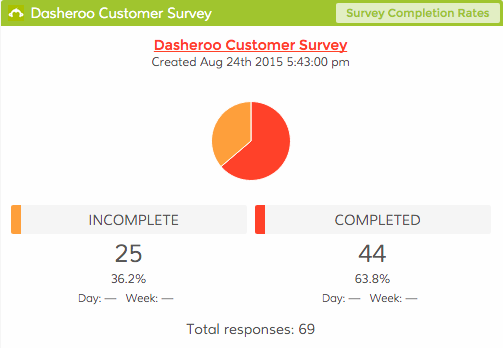
what they don’t know about Dasheroo. We were happy to get your feedback and we learned a ton from it. In fact we tracked how many responded right in our Dasheroo Survey Monkey dashboard!

What we did learn was that a large number of you didn’t know you could actually re-size each of your insights that make up a dashboard. Also many of you didn’t know you could move the insights around on the dashboard grid to customize it to your liking.

So here is a very short 1-minute, 38-second video of how you go about doing it.

If you don’t want to watch the video, to resize your insights simply click on the lower right-hand corner of the insight and drag it to the size you’d like it to be.
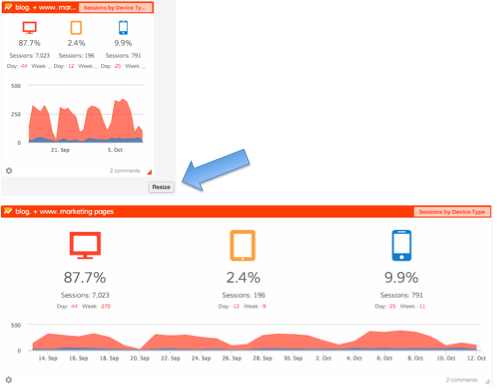
Dasheroo: Re-sizing an insight on your data dashboard

To re-arrange insights on a dashboard simply click on the top bar of the insight and simply drag it to where you’d like it to be. The rest of your insights will automatically move to make room for it so you may have to move them to your desired location as well.
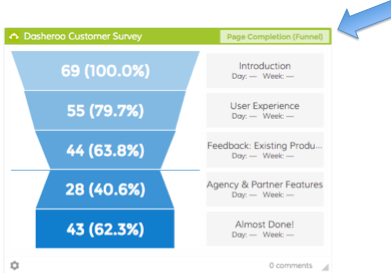
Dasheroo: Rearranging insights on your data dashboard.

For instance at Dasheroo, we like to see our sign ups right next to our Google Sessions to keep an eye on any trends.
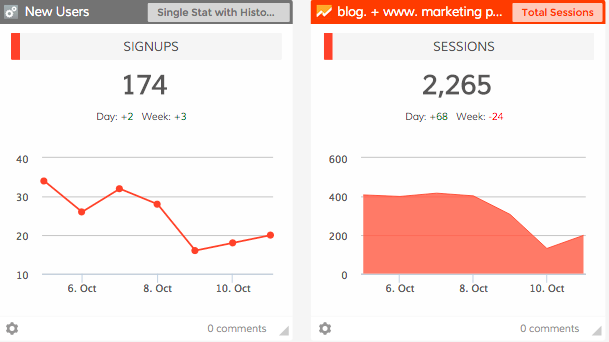
Dasheroo's own data dashboard

There you have it, a simple way to resize your insights and rearrange your Dasheroo data dashboard!
The Perfect Social Media Dashboard: The Socialite

Social Media is either something you love, love, love for your business or a complete thorn in your side! If you’re anything like us it’s a love fest with social media but we’re ok if you don’t love it so much, it certainly takes some time to devote to it to make it work.

On top of it all trying to track down what actually IS working and what isn’t is a real time suck, for us anyway. So when we really looked at what we needed to track here internally we thought “hmmm, if we need to consolidate our social media marketing metrics so does everyone else, let’s make a dashboard template!”

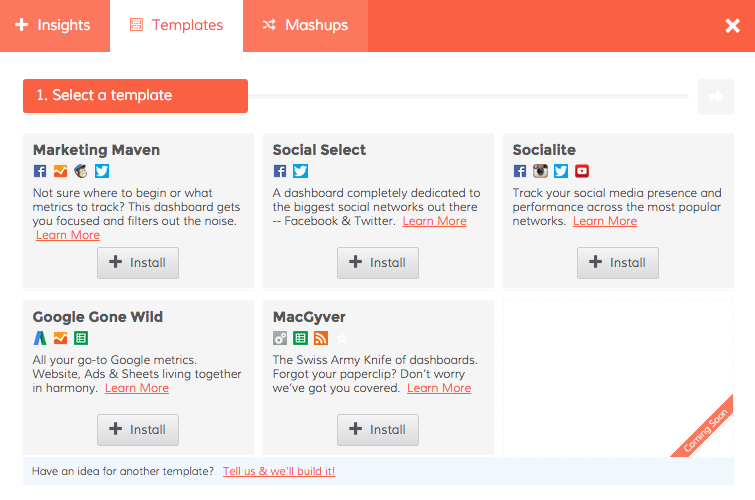
So without further adieu, simply click on Add Insights and Templates in the top of your Dasheroo menu and you’ll see this:

Dasheroo's social media marketing dashboard

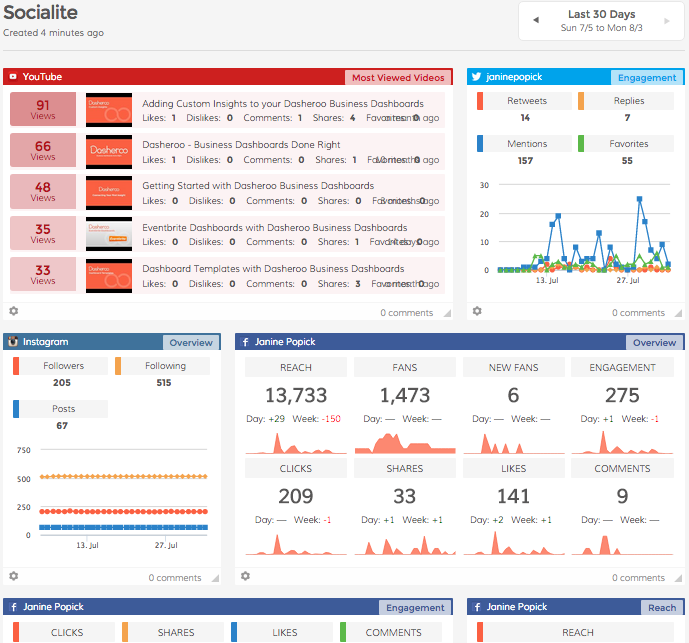
Select “Socialite” if you need to see your metrics for Facebook, Instagram, Twitter and YouTube in an instant!

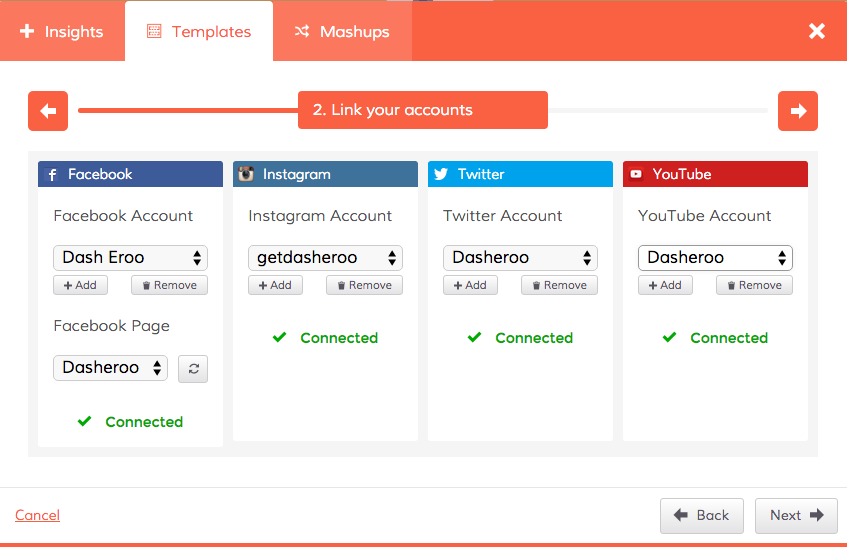
Dasheroo's Social Media Marketing dashboard template


Click to connect all of your social media accounts and you’ve got a fancy social media mix of awesome insights. You can add to this dashboard if you think the insights we selected don’t meet your needs or add any other application that makes sense like Google Analytics Sessions or LinkedIn insights.


Dasheroo's social media marketing dashboard


There you have it, a free social media dashboard in an instant!