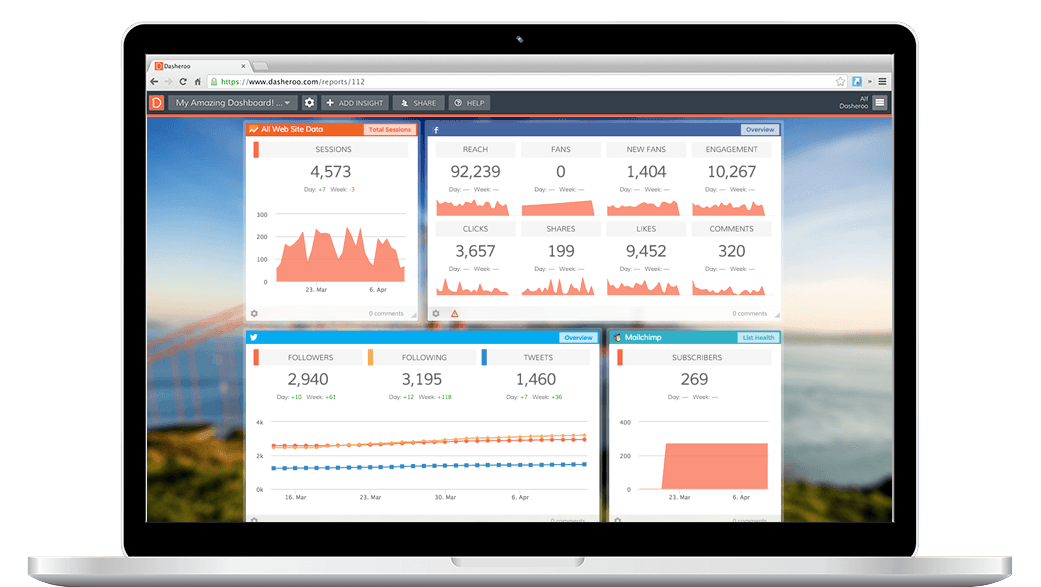
Track your survey analytics from SurveyMonkey right within your Dasheroo data dashboard! Add key SurveyMonkey insights and measure your KPIs in your real-time marketing dashboard.
Available SurveyMonkey Dashboard Insights
Overview
View the summary details for your survey including its current status and number of responses.
Responses Over Time
View the number of daily survey responses collected over time.
Survey Completion Rates
View a pie chart comparison of people who started vs. completed your survey.
Question Completion (Funnel)
View a funnel showing the total number of responses collected for the questions on your survey.
Question Completion (Bar)
View a bar chart showing the total number of responses collected for the questions on your survey.
Page Completion (Funnel)
View a funnel showing the breakdown of the pages on your survey with the total number of users who completed each page.
Page Completion (Bar)
View a bar chart showing the breakdown of the pages on your survey with the total number of users who completed each page.
Recent Responders
View a list of your most recent survey responders. Click through to see the full details in your Survey Monkey account.
List of Surveys
View the details of your most recent surveys, including status and total responses. Click through to see the full summary in your Survey Monkey account.
Get Your Free Dasheroo Account!
- No limited-time trial periods — Dasheroo is FREE!
- No training or complicated implementation
- Quick set-up with ready to go dashboard templates
- Powerful, easy-to-use, and fun!