When it comes to the overall sales process, social selling using your social networks can be your best friend and you want it to be. Any help to get to the “yes, I’ll take two” is a great channel for you to cultivate. Social selling is defined as: the process of developing relationships as part of the sales process. Today this often takes place via social networks such as LinkedIn, Twitter, Facebook, and Pinterest, but can take place either online or offline.
Those who take the right approach to social selling continually generate positive results. And those who “hope something sticks” are not typically happy with where they end up.
Fortunately, social selling is not rocket science. It can be extremely simple and straightforward if you know what you are doing. Here are three ways to use social media to your advantage. At Dasheroo we take social selling serious and use all of these ideas when it comes to closing a deal.
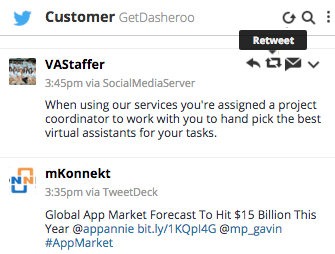
Using a tool like Hootsuite you can easily track what your customers are doing and ReTweet right from there!
Engage on Twitter
Once you set your sights on a target, you can use Twitter to search and find your target customer. The first steps to take:
- Follow your target and their company (many times they have multiple Twitter accounts.)
- Retweet their content.
- Mention them in your own tweets and make sure you include their Twitter handle!
If your prospect is savvy, they’re looking at the emails they get from Twitter telling them who is Retweeting them and sharing their content. This will hopefully make them follow you back and take interest in what you’re putting out on Twitter.
Twitter is a powerful tool for those who are interested in social selling. You may be surprised at how much progress you can make with 140 characters or less.
Connect on LinkedIn
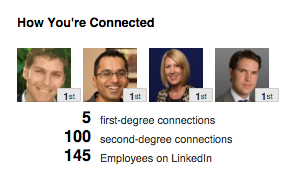
Target your customer and connect with them on LinkedIn through the “company” search.
With more than 400 million registered members, LinkedIn is the place to be for person to person selling. It is the professional network, providing the opportunity to put your social selling skills to the test. The key is that you need to be “connected” to a lot of folks in your industry and in your target audience. So:
- Search the company name on LinkedIn
- You’ll see who are your 1st-3rd degree connections
- Connect with the appropriate people
- Also, identify your target prospects using the advanced search in LinkedIn. It’s incredibly powerful.
- Send the person a connect request.
- Follow their company.
- Send them an InMail if the connect OR upgrade to Premium and you have several InMails/month to send
We have had so much great luck on LinkedIn at Dasheroo. Check out 3 Easy Ways to Use The Power of LinkedIn Marketing.
Facebook for Business
Many people look at Facebook and see nothing more than pictures of cats, DIY projects, and happy families. On the contrary, while Facebook is a great way to stay in touch with friends and family, it can also be used as a P2P sales tool.
Getting started is as simple as liking the company page and liking, sharing and commenting on their posts. Over time, you can move the conversation from Facebook to another platform, such as LinkedIn or email.
Tools to Use
The best way to follow these people is using a tool like Hootsuite. They have a free version and you’ll be able to easily follow people on multiple social networks, see what they’re posting and react accordingly.
Google Alerts is a great way to keep tabs on what’s going on with the companies you follow. Then you can go ahead and post about their news.
Grow Your Audience
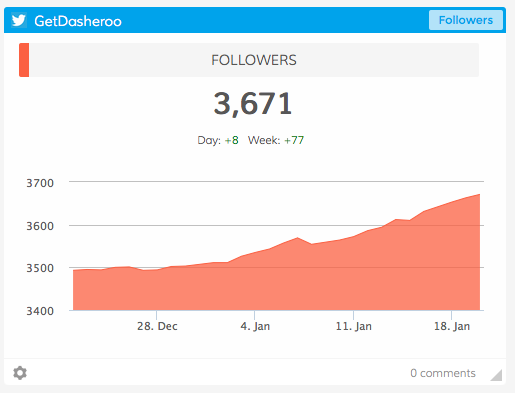
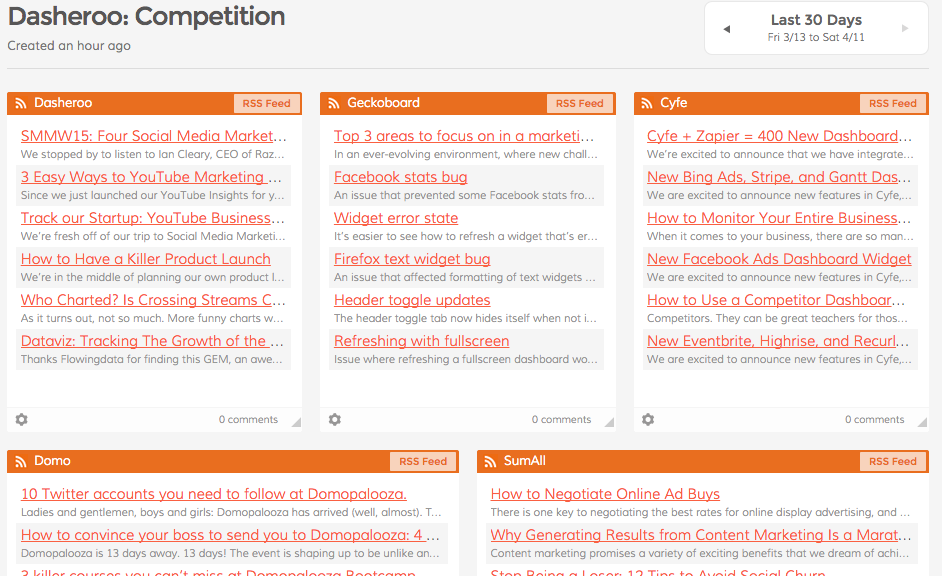
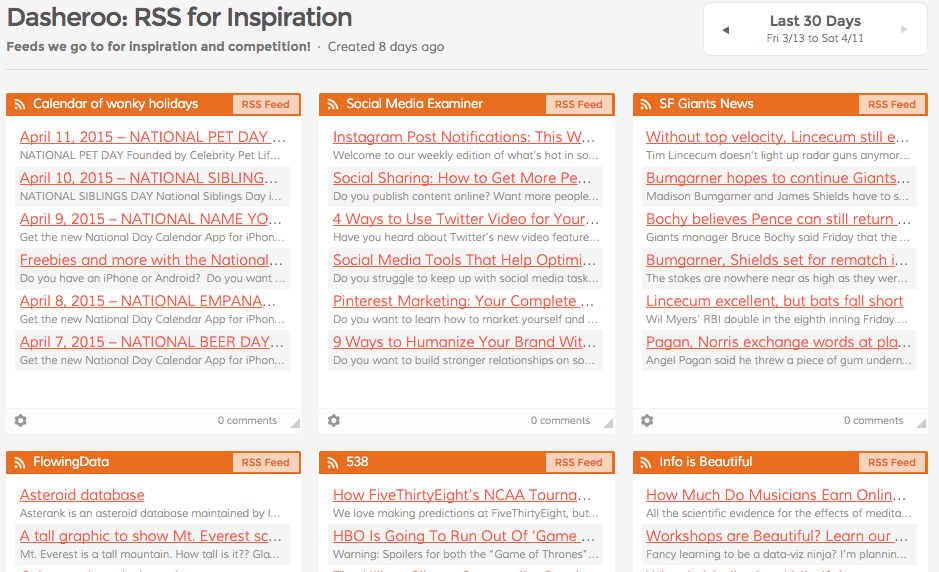
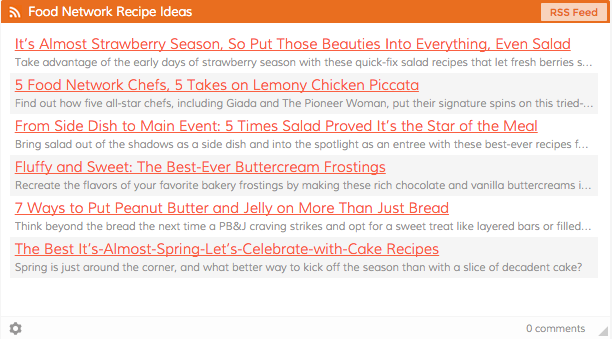
Use Dasheroo dashboards when social selling to track your growth over time.
You don’t need a large following to achieve success with social selling, but it definitely helps. Be sure your audience is always growing, as this improves the likelihood of connecting with prospects who can one day be turned into paying customers.
With Twitter, for example, it is ideal for your follower count to increase day after day, month after month. This means more opportunity to sell. It also means more people listening to what you have to say.
What are your thoughts on P2P social selling? Are these tips enough for you to get started?