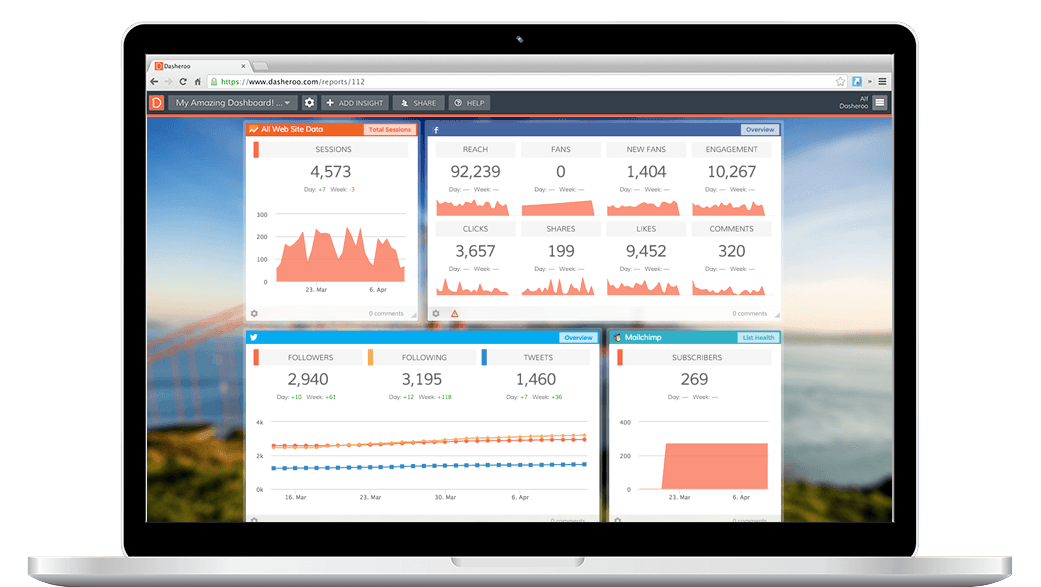
Track and chart data and KPIs from Google Sheets right within your Dasheroo Google dashboard!
Create eye-popping bar charts, funnel graphs, trending line graphs, pie charts, leaderboards and tables right from a Google Sheet. Do you have your data in an Excel spreadsheet? Not a problem, just copy and paste your data into a Google Sheet and you'll have access to a killer shareable dashboard online.
Even better? Track all of your Google data from Google Sheets, Ecommerce, Google AdWords and Google Analytics, all on one Google Dashboard.
Available Google Sheets Dashboard Insights
Single Metric
Track the data for a specific cell within your Google Spreadsheet
Bar
Select two rows or columns to track your metrics in a vertical bar chart
Funnel
Select two rows or columns to track your metrics in a funnel chart
Pie
Select your labels and values to track your metrics in a pie chart
Line
Select your X and Y axis to track your metrics on a line chart
Table
Select up to 3 rows or columns to display your metrics in a table format
Leaderboard
Select two rows or columns to track your metrics in a dynamic leaderboard chart
Get Your Free Dasheroo Account!
- No limited-time trial periods — Dasheroo is FREE!
- No training or complicated implementation
- Quick set-up with ready to go dashboard templates
- Powerful, easy-to-use, and fun!