
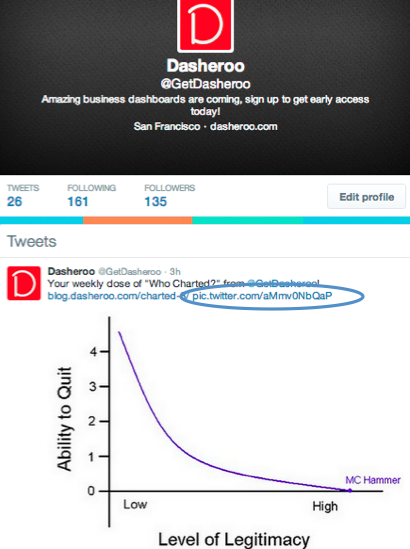
Attach your image and you should see this URL: pic.twitter.com/gobldygook. Then POOF, there’s your image.
It’s no secret that at the end of last year Twitter added the capabilities to add full images (instead of a link) to the Twitter feed. Why? Because they found that like Facebook, people engage more with visuals than they do words. Duh.
How do you do it?
You need to use Twitter to post a picture in the feed. Simply select Add photo and you’re there!
What if you’re not directly using Twitter to post?
Hootsuite lets you have Twitter feed images if you upgrade to the Pro plan for $9/month. You also get some other features. If you use the free plan you just won’t get your images shown in the feed.
Buffer lets you do this with their free version, however if you want to use a tool to manage multiple Twitter and Facebook “Pages” no way José, you have to upgrade for $102/year ($8.50 if you’re not a dunce and can do the monthly math.)
One more thing, you should try to have your images be 1024 x 512 to have it render accurately in the Twitter feed.
So there you have it. Some how, some way, get images into your Twitter feeds.
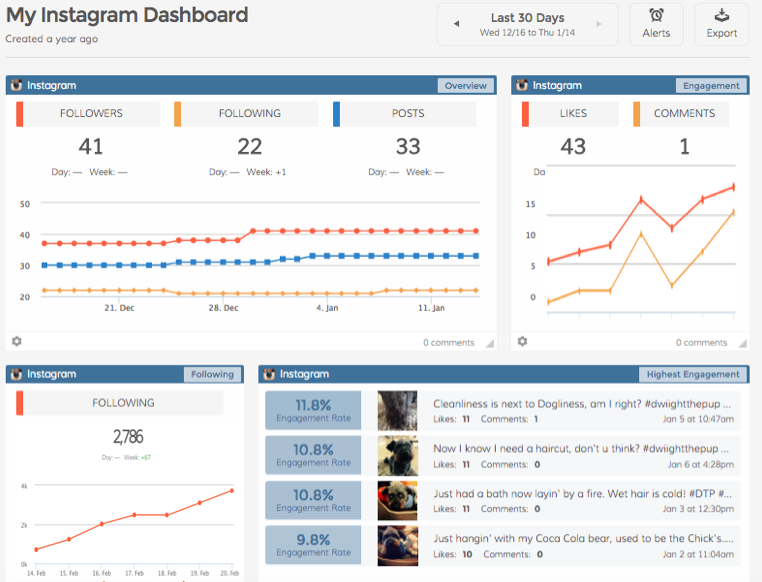

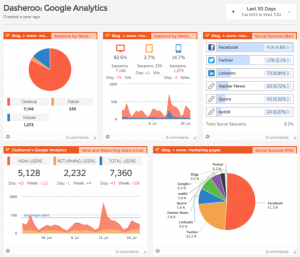
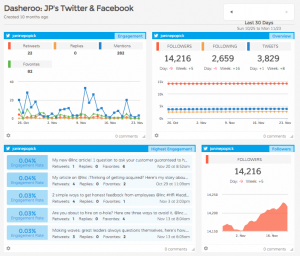 Did you ever want to see all of your Twitter analytics like engagement, new follower growth over time? Now it’s easy with a Dasheroo Twitter analytics dashboard. Even better? You can view your Twitter analytics right next to the rest of your social media and Google Analytics data!